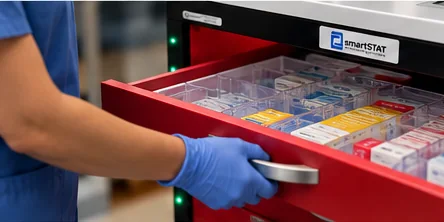
Nurses
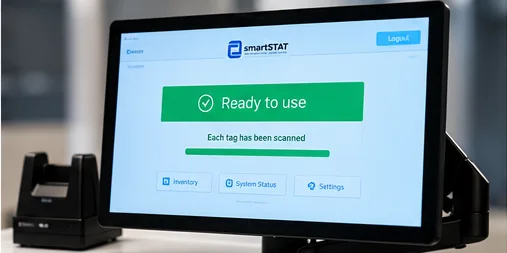
A daily check that takes seconds, a large ACLS display during a code, and on-screen item search.

smartSTAT product
Tag each item once, stock any drawer, and know what is in every cart before a code.
Pharmacy and materials staff apply an RFID tag to each medication or supply at intake. Items are registered once and tracked from then on.
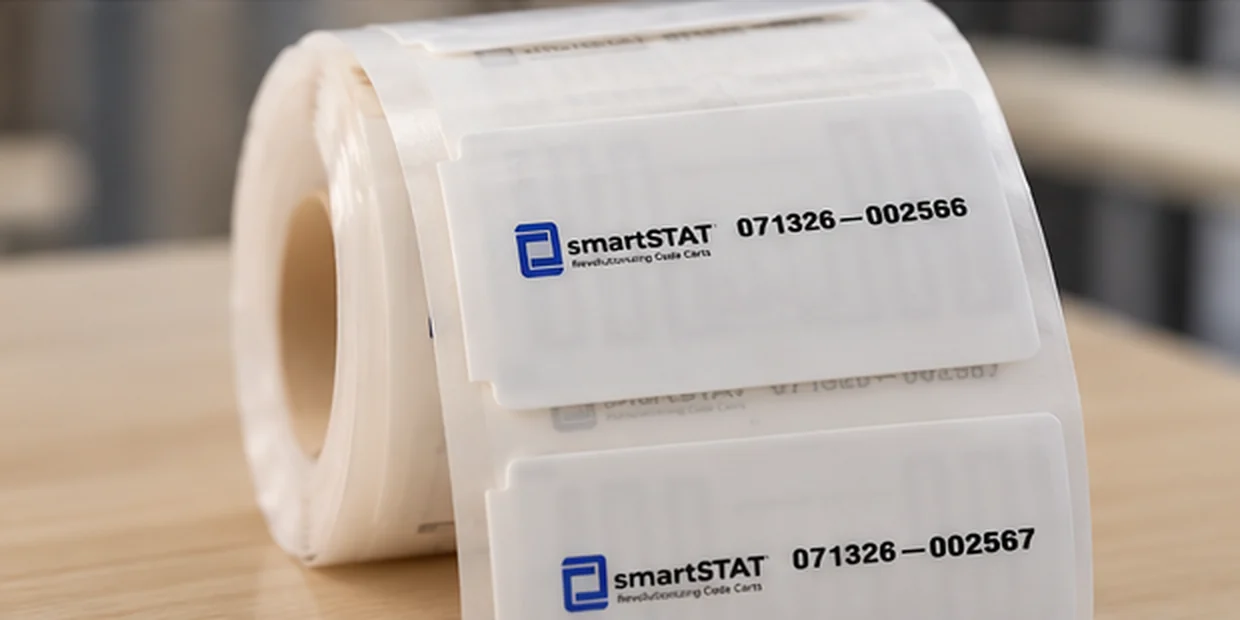
Items go into the cart the way they do today. The cart reads everything inside it, continuously.
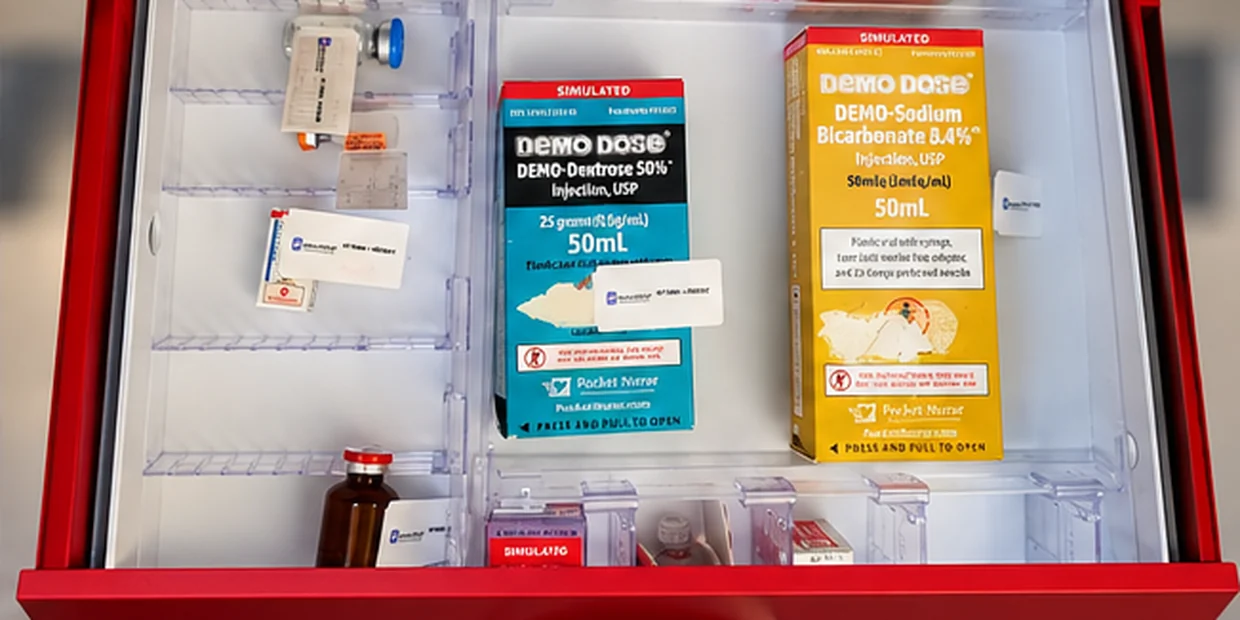
Per-drawer status lights, the cart display and a central dashboard show what is present, what is missing and what expires next, across every cart in the hospital.

Interactive product demo
One hospital. Eight carts. A clear view of what is ready and what needs attention. Open a cart to inspect each drawer, then simulate a code to see used items become a restock list.
Select a cart to explore its drawers, or simulate a code to see the restock workflow.
Illustrative data only. This simulation is informational, not treatment advice or a clinical protocol. No live hospital data is shown. Reset to try another cart.
A daily check that takes seconds, a large ACLS display during a code, and on-screen item search.
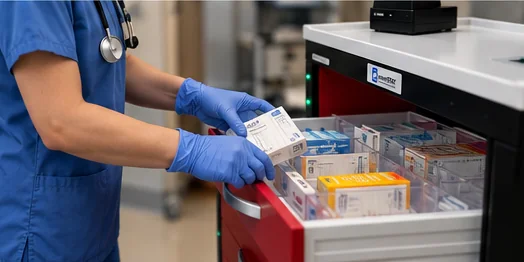
Restock by exception, expiration view by cart, recall lookup across the fleet.

Supply levels and usage trends across carts.
A continuous readiness record for Joint Commission survey.